Familiar from the first minute
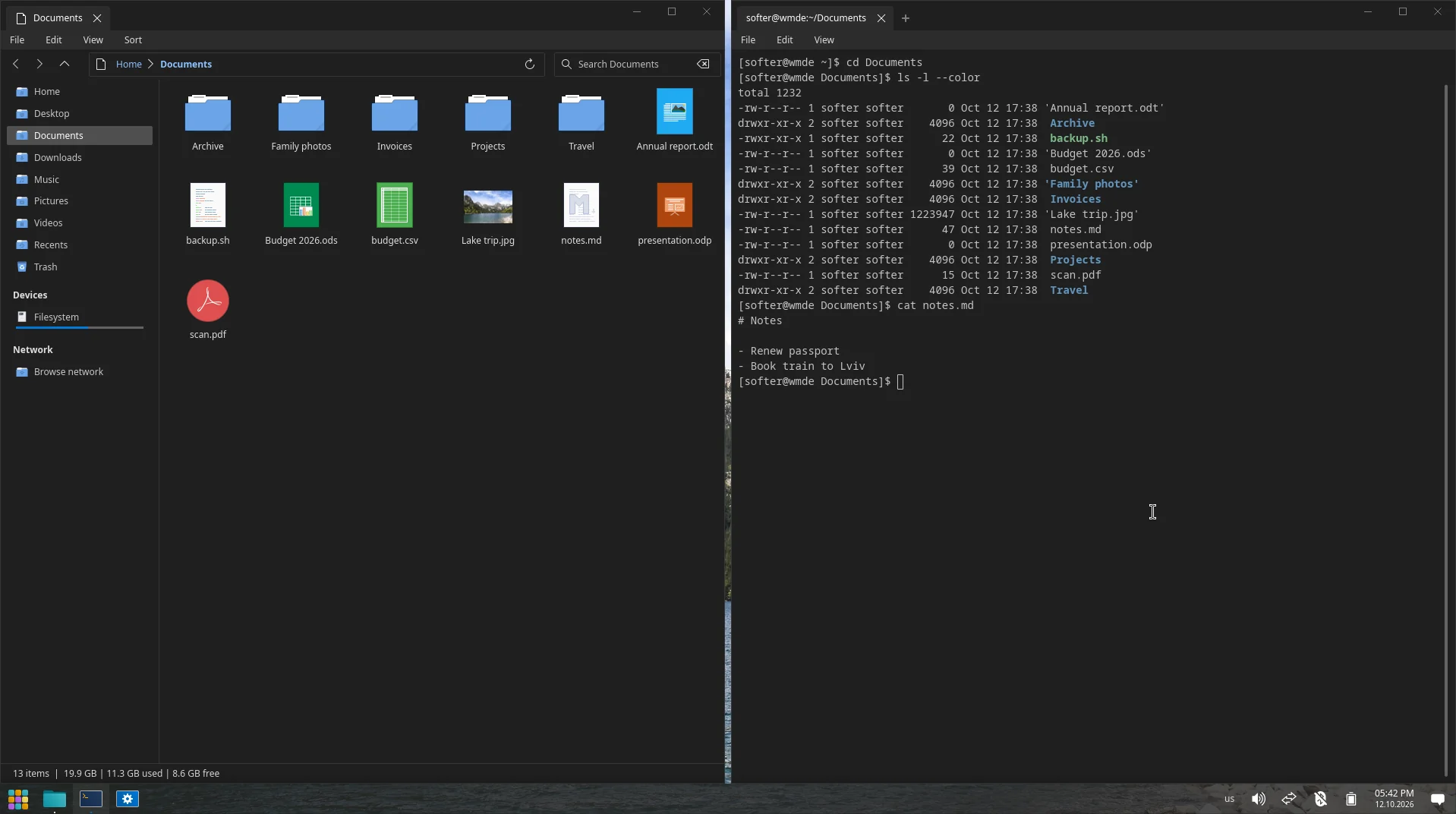
Title bars, window controls, the taskbar and the Start menu sit where years of habit expect them. Square selections, flat opaque surfaces, no visual noise.
Desktop environment for Arch Linux
Every desktop got something right. WMDE takes the best of all of them and puts it together into one calm, consistent environment: familiar from the first minute, made to stay out of your way.

We looked at what people love in every desktop and kept exactly that. Nothing to relearn, nothing in the way.
Title bars, window controls, the taskbar and the Start menu sit where years of habit expect them. Square selections, flat opaque surfaces, no visual noise.
Tabs in the file manager, layouts you drop windows into, a login with no flicker, load graphs that read at a glance. Each idea taken from wherever it works best, then made to fit the rest.
A plain pacman repository and a wmde-desktop metapackage. Updates arrive with pacman -Syu, like the rest of your system.
Real screenshots, default settings.

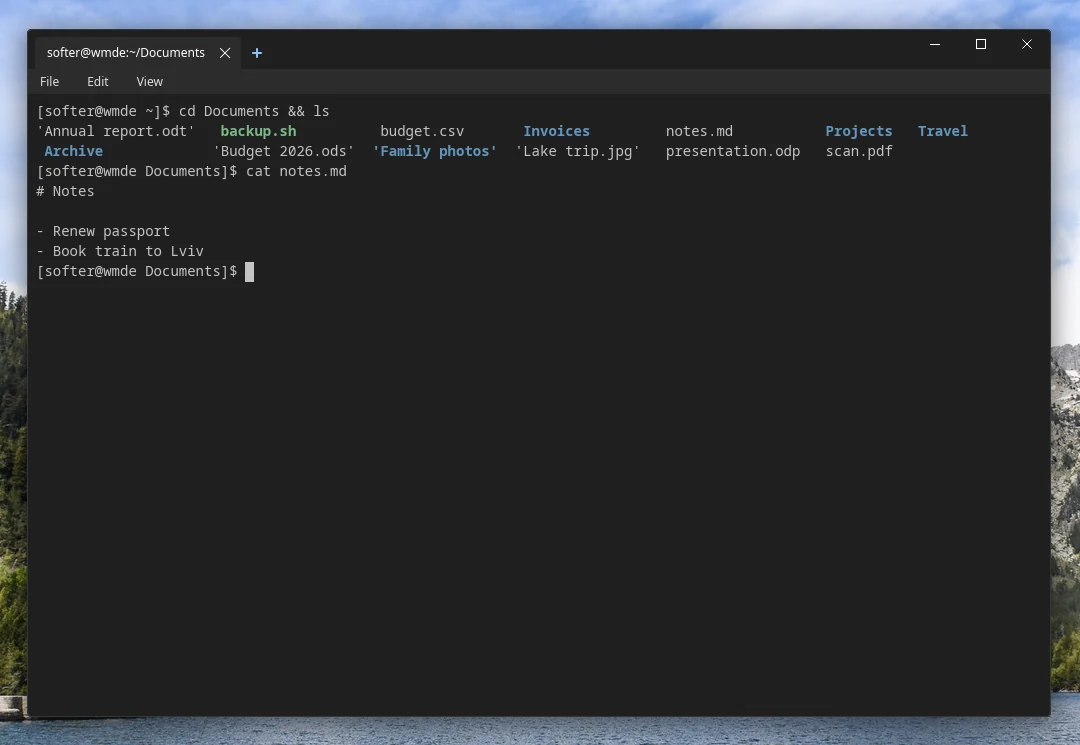

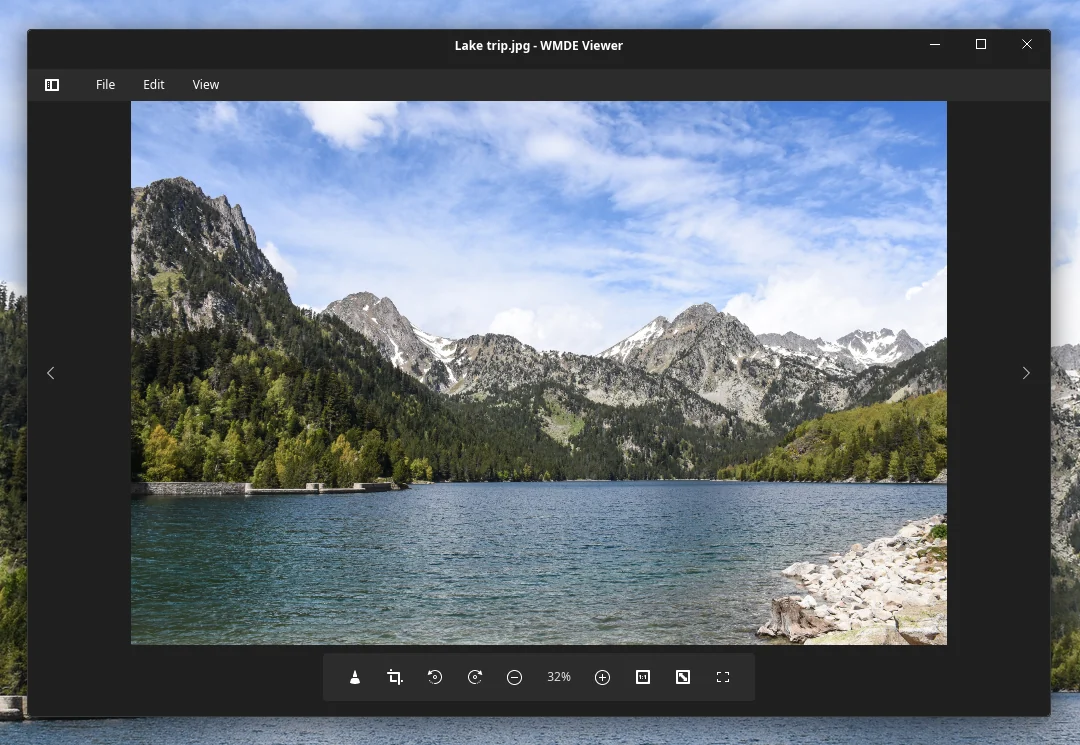
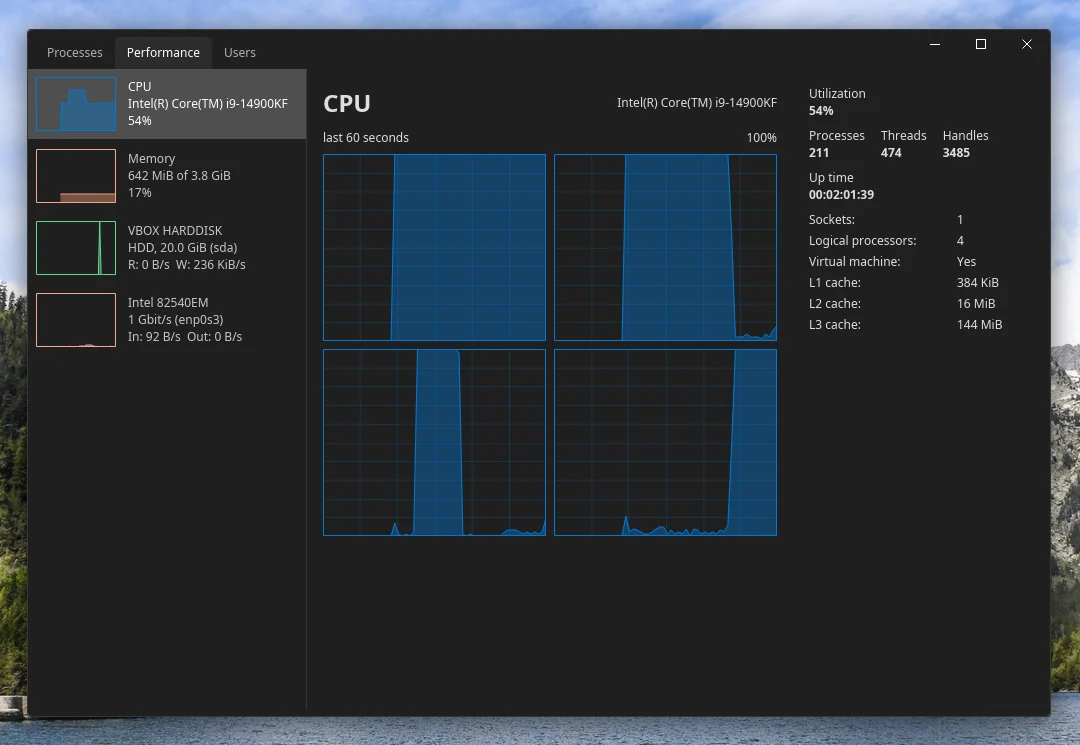
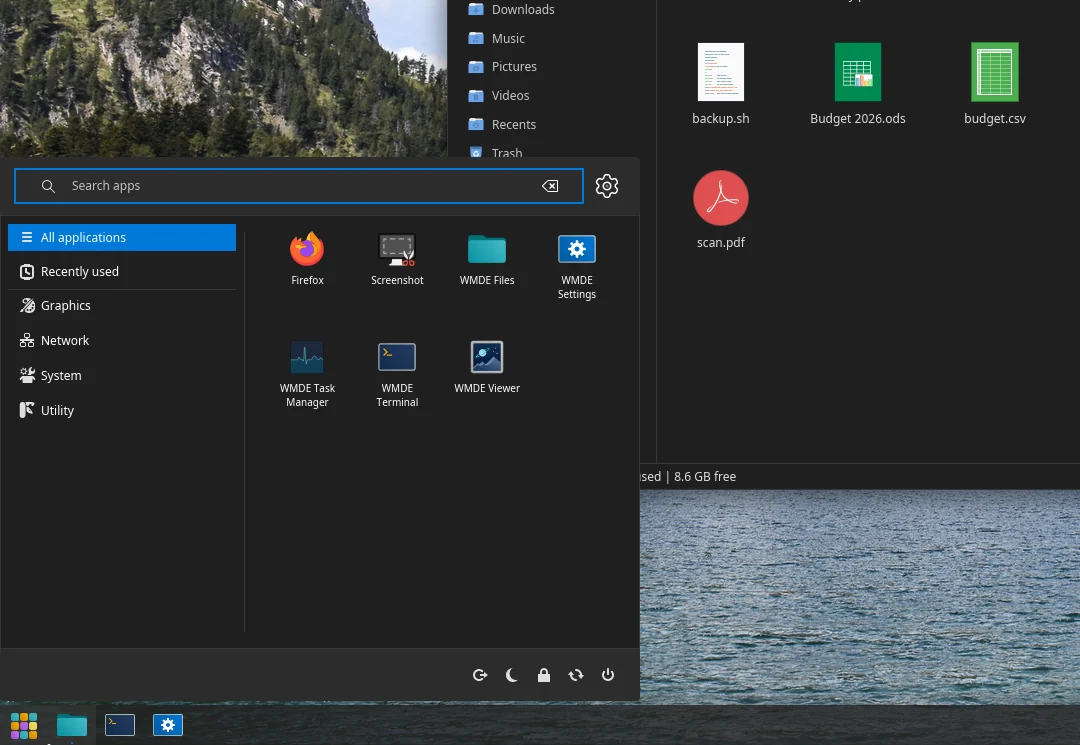
Every app takes its colors, type and spacing from one theme, so the whole desktop reads as one program.
wmde-filesExplorer-style tabs, address bar and sidebar. Opens SMB shares and finds devices on the network. Also draws the desktop icons and the system file picker.
wmde-termTabs and split panes, each tab keeping its own layout. Laid out and colored to match Files.
wmde-settingsDisplays, panels, appearance and system information in one place. Applet settings pages are generated from each applet's own schema.
wmde-screenshotStays resident, so Print brings up the capture overlay at once. Pick a region, mark it up in the editor, save.
wmde-viewerOpens JPEG, HEIF, camera RAW and compressed SVG alike. Sets any picture as the wallpaper.
wmde-taskmgrProcesses with search and filters, a minute of load graphs, and the same view grouped by login session.
wmde-panelAs many panels as you like. Applets include a 7-day weather forecast and a system monitor with six load graphs.
wmde-greeterOne greeter for the login screen and the lock screen. Login hands the screen to your session without a console flash.
Snap Layouts
Press Super+Shift+Left or Right and the window takes exactly half the screen. Or drag it to the top edge and drop it into a layout from the Snap Layouts strip.
The interface is translated to Ukrainian down to the last string. English is there for everyone else.
GPL-3.0. Every component lives in its own repository under Lin-WMDE on GitHub.
On a fresh or existing Arch Linux system. The metapackage pulls in the session, shell, apps, theme and icons; the login manager and the task manager are separate.
/etc/pacman.confwmde-desktop# 1. /etc/pacman.conf [wmde] SigLevel = Optional TrustAll Server = https://YOUR-SITE/repo # 2. the desktop sudo pacman -Syu wmde-desktop # 3. login manager and task manager sudo pacman -S wmde-greeter-dm wmde-taskmgr
No desktop gets everything right, and none gets everything wrong. WMDE keeps the layout people know by heart, the tools power users rely on and the polish of modern design, and drops what gets in the way.
The result is one desktop that works the way you expect, everywhere you look.